> ## Documentation Index
> Fetch the complete documentation index at: https://docs.trabajosonline.org/llms.txt
> Use this file to discover all available pages before exploring further.
# Send Proposal
# Send a Proposal
## Sending Proposals to Clients 📬
To actively participate in our platform and send proposals to potential clients, it is essential to be registered at [**Trabajos Online**](https://trabajosonline.org/signup) 📝. This requirement ensures a secure and personalized experience for both freelancers and employers.
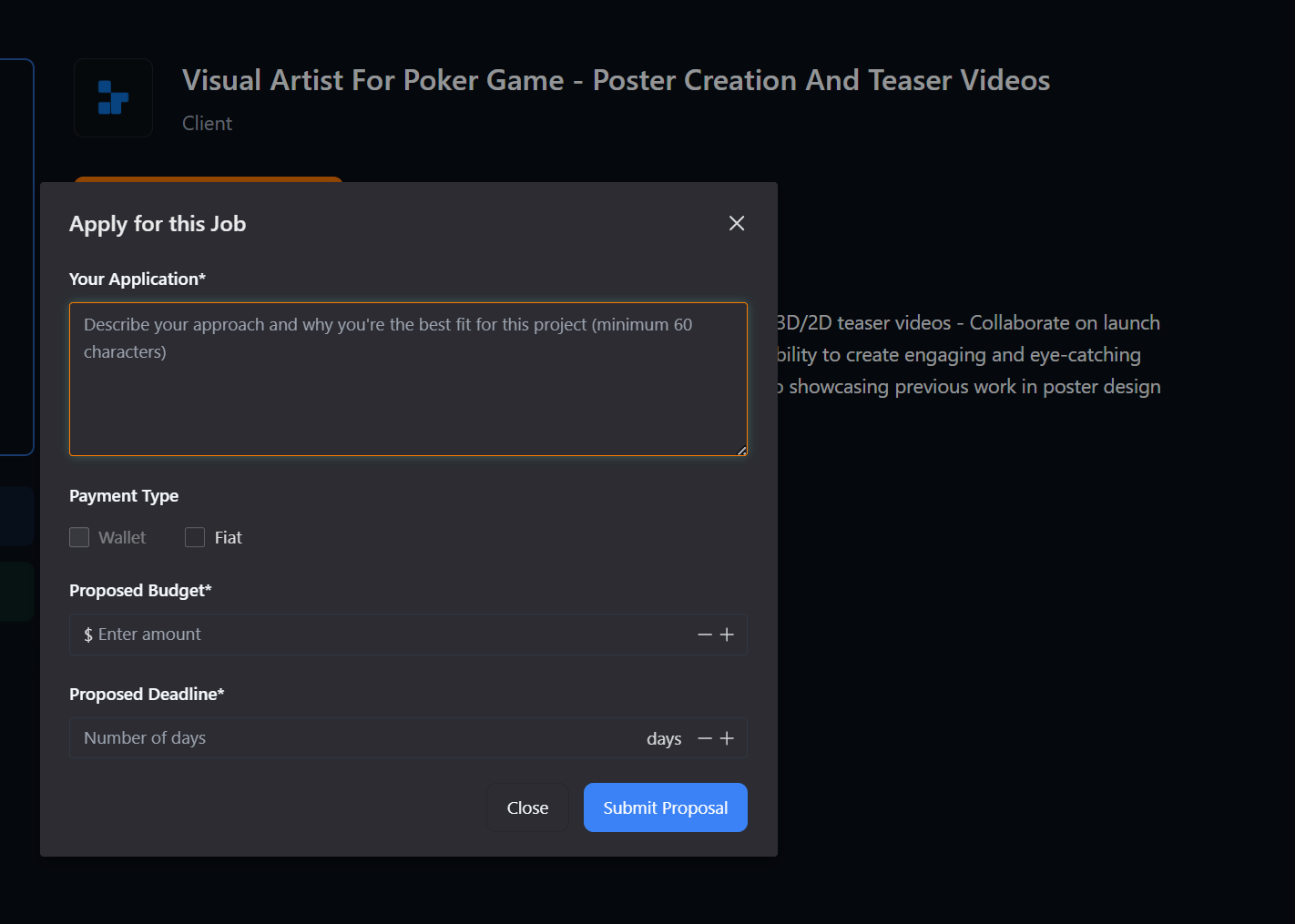
 Once you've logged into the platform and found a job offer that matches your skills and expectations, simply click on the **"Apply Now"** button ↪️.
 A menu will appear for you to fill in information about your proposal or application, and you can also choose your payment preference (fiat or crypto). The estimated budget and the estimated time to complete the task. Once all fields are filled, click Save to send the proposal to the client.