
Register a New Account 📝
To interact with the trabajosonline platform, it is necessary to create an account. You can register using your email address or through a wallet.💡 Good to Know / Tip - RecommendationThere are two types of registrations: as a User/Freelancer or as a Company. In this guide, we will refer to the “User/Freelancer” as User and the Company as Client.
If you are new to the world of cryptocurrencies and do not know what a wallet is, you can check our summary of basic concepts explained in Cryptocurrency Fundamentals inside the Crypto Academy section. It will help you understand what a wallet is and other fundamental concepts in the crypto space like blockchain, token and network.
Registration as a User or Freelancer 👤
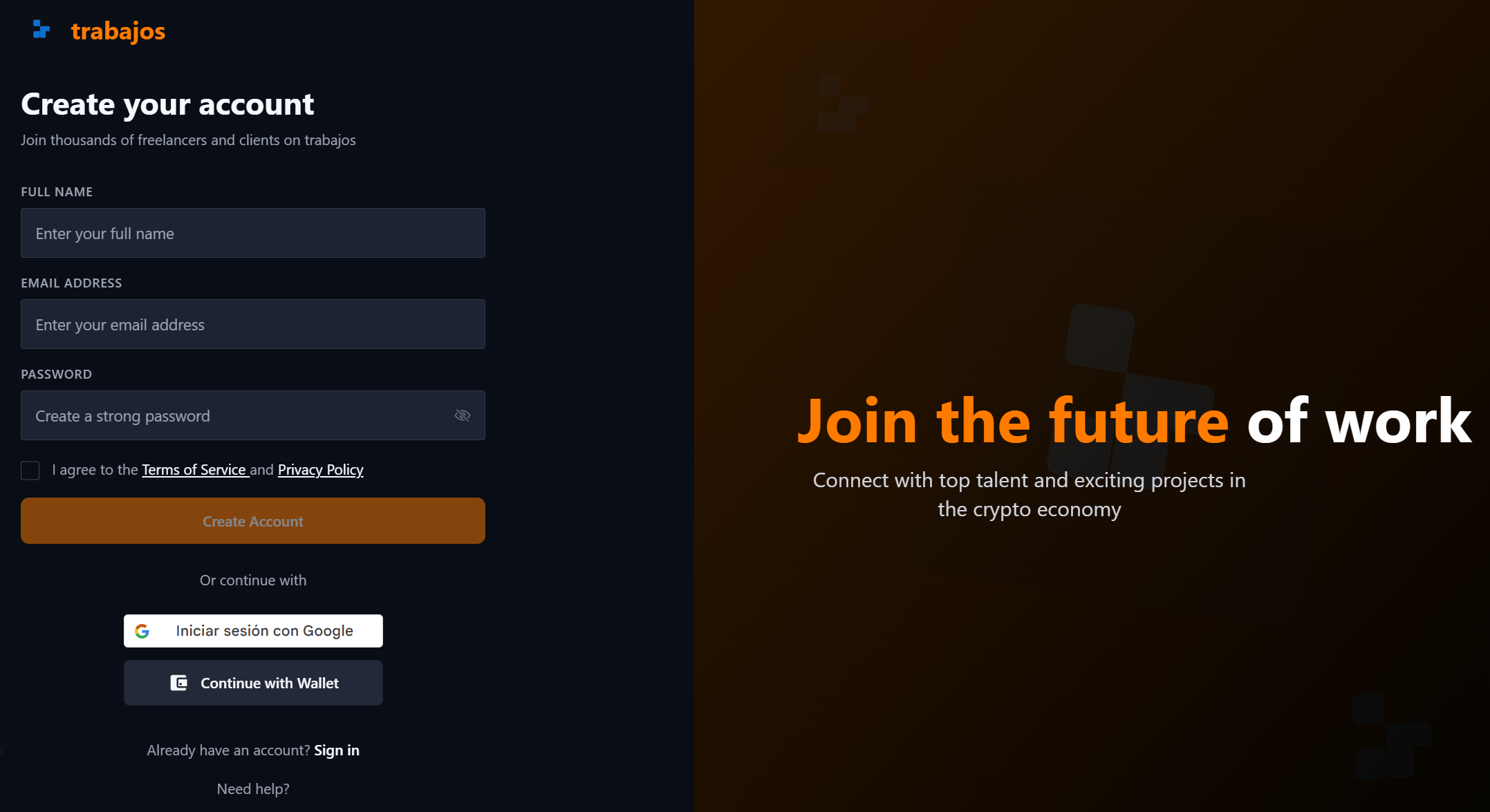
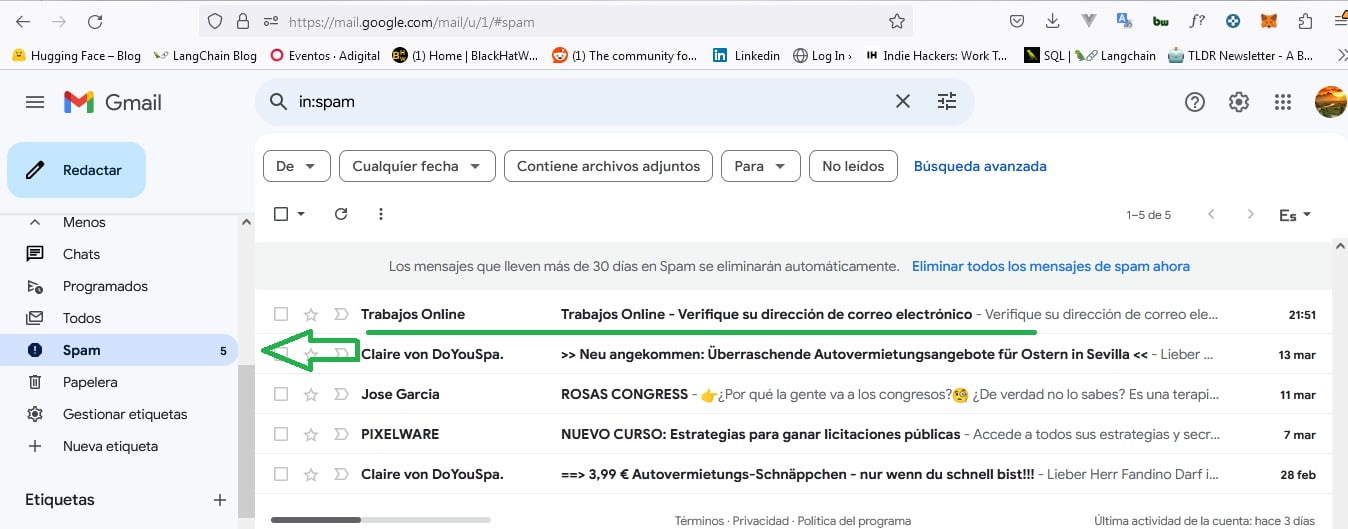
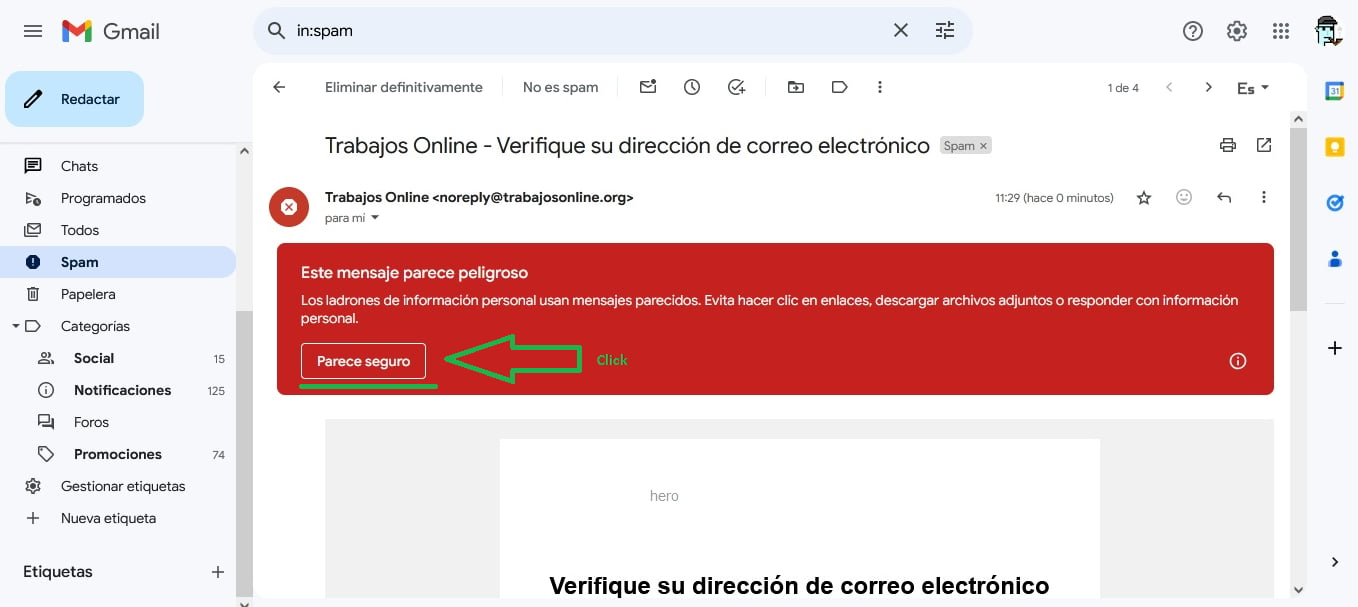
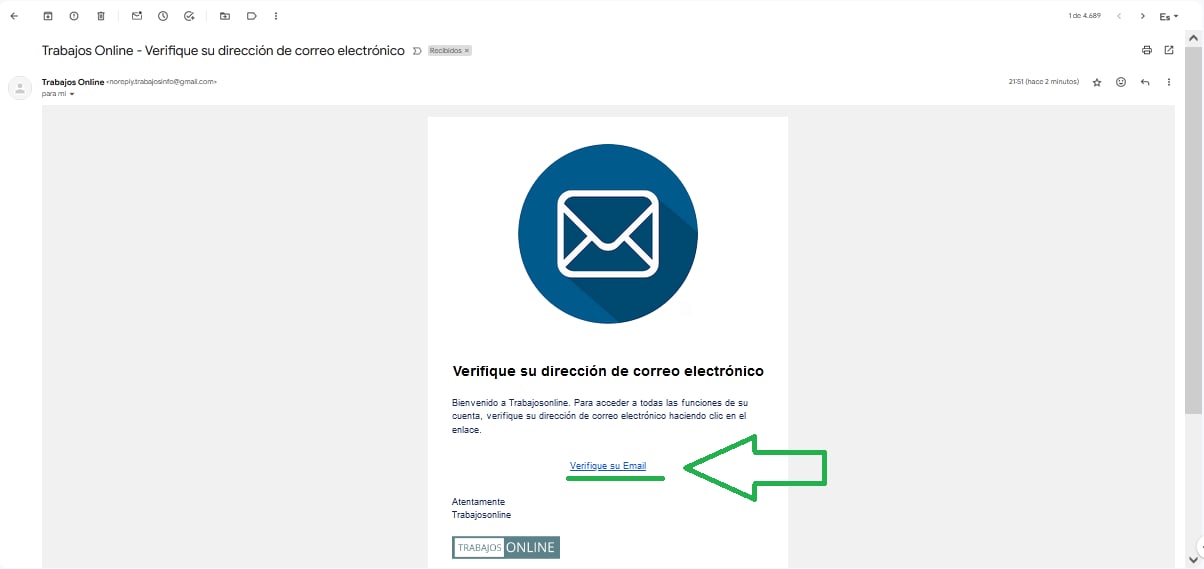
If we are looking for employment, either for a company as a salaried employee or as an independent professional or freelancer, we must register as a user on the application. We can do this in two ways: with a wallet or with an email.Registration with an Email
To do this, on the page trabajosonline.org click on the Sign Up button and you will access the registration page.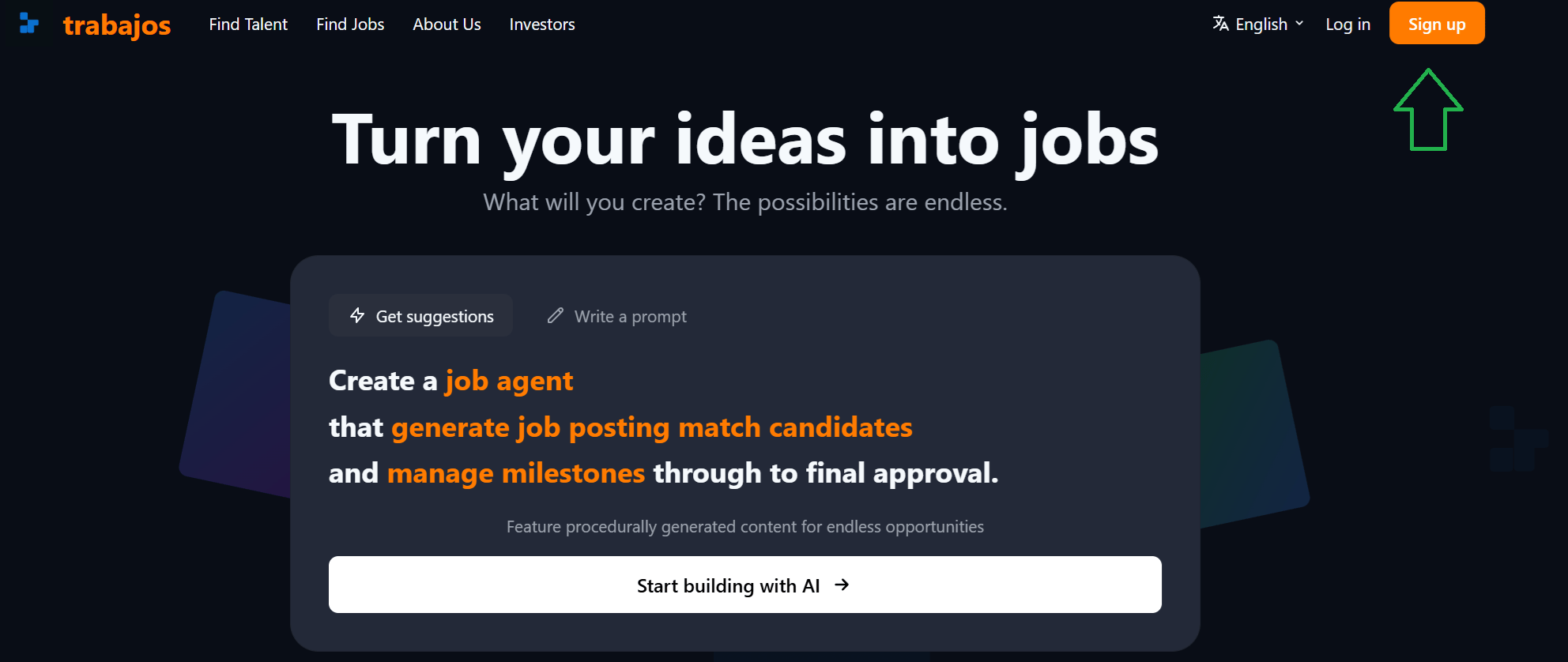
Registration with a Wallet
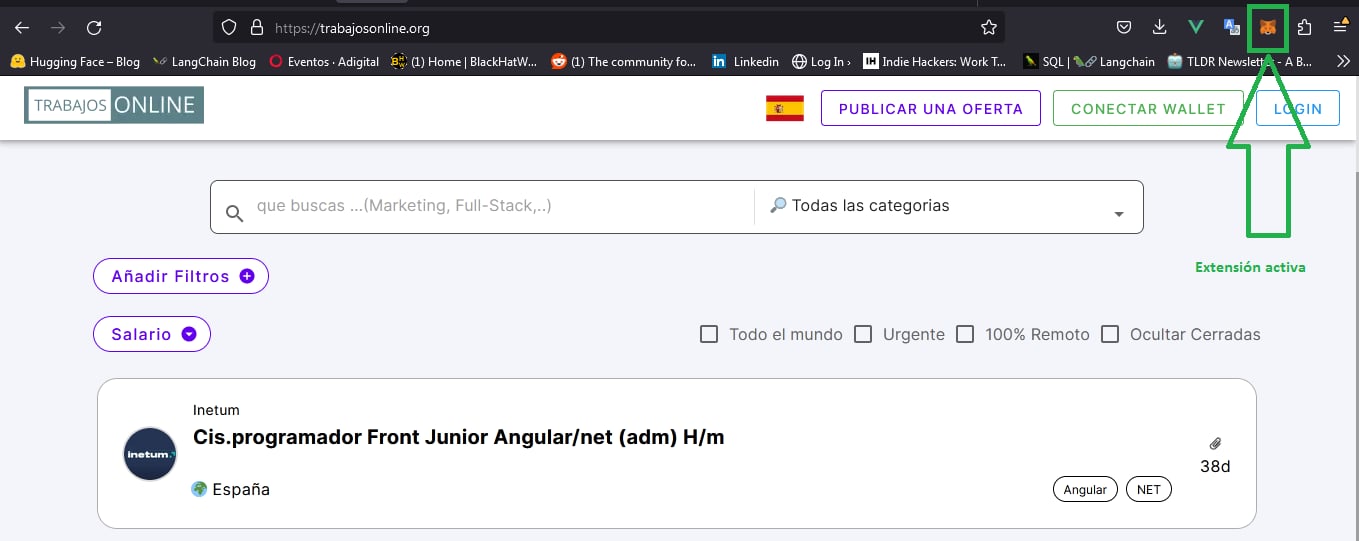
To register with a wallet, we must have the Metamask extension 🦊 installed on the browser we are using (Mozilla Firefox 🔥, Chrome 🌐, etc.). Check that the extension is active in your browser.💡 Good to Know / Tip - Recommendation
If you do not have a wallet, or want to know what a cryptocurrency wallet is and what you can do with it, visit What is a wallet.
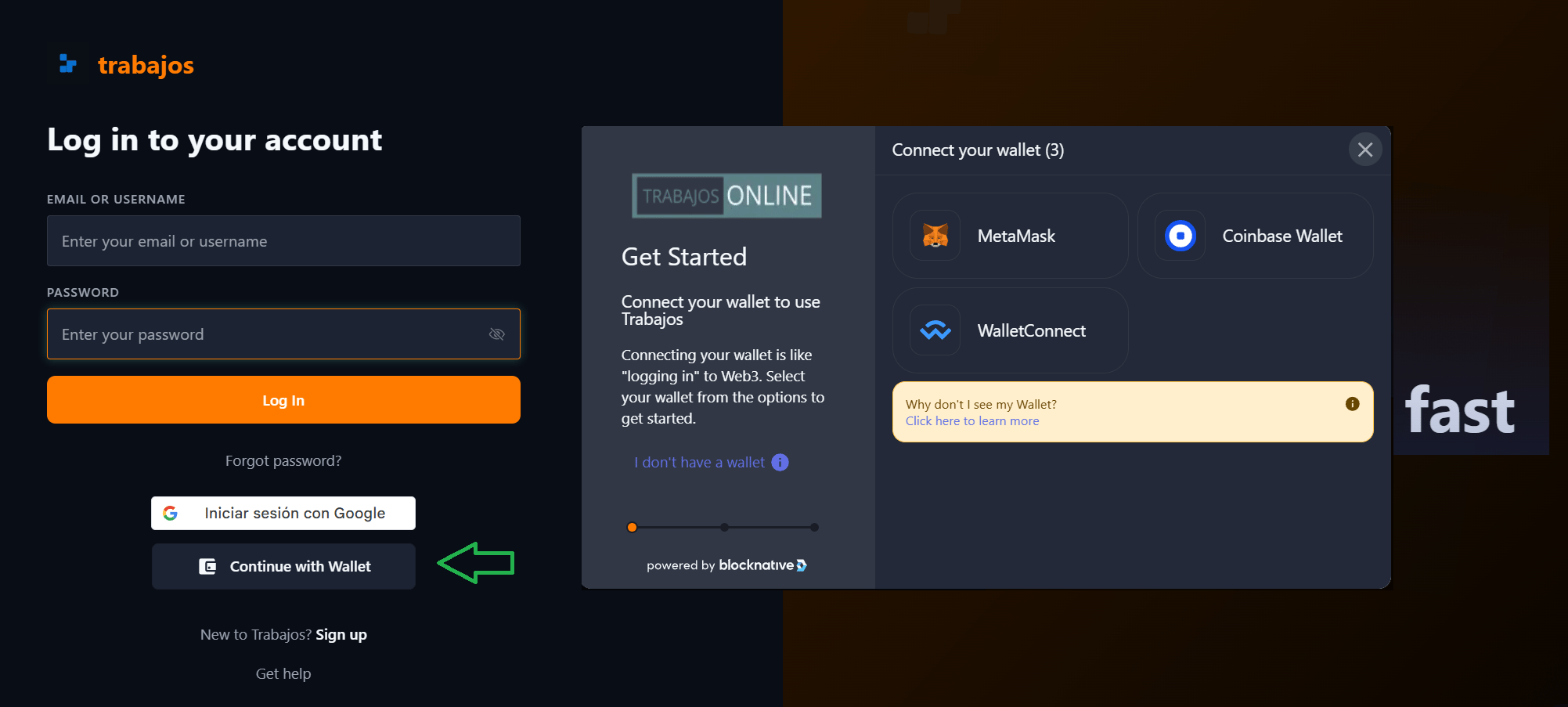
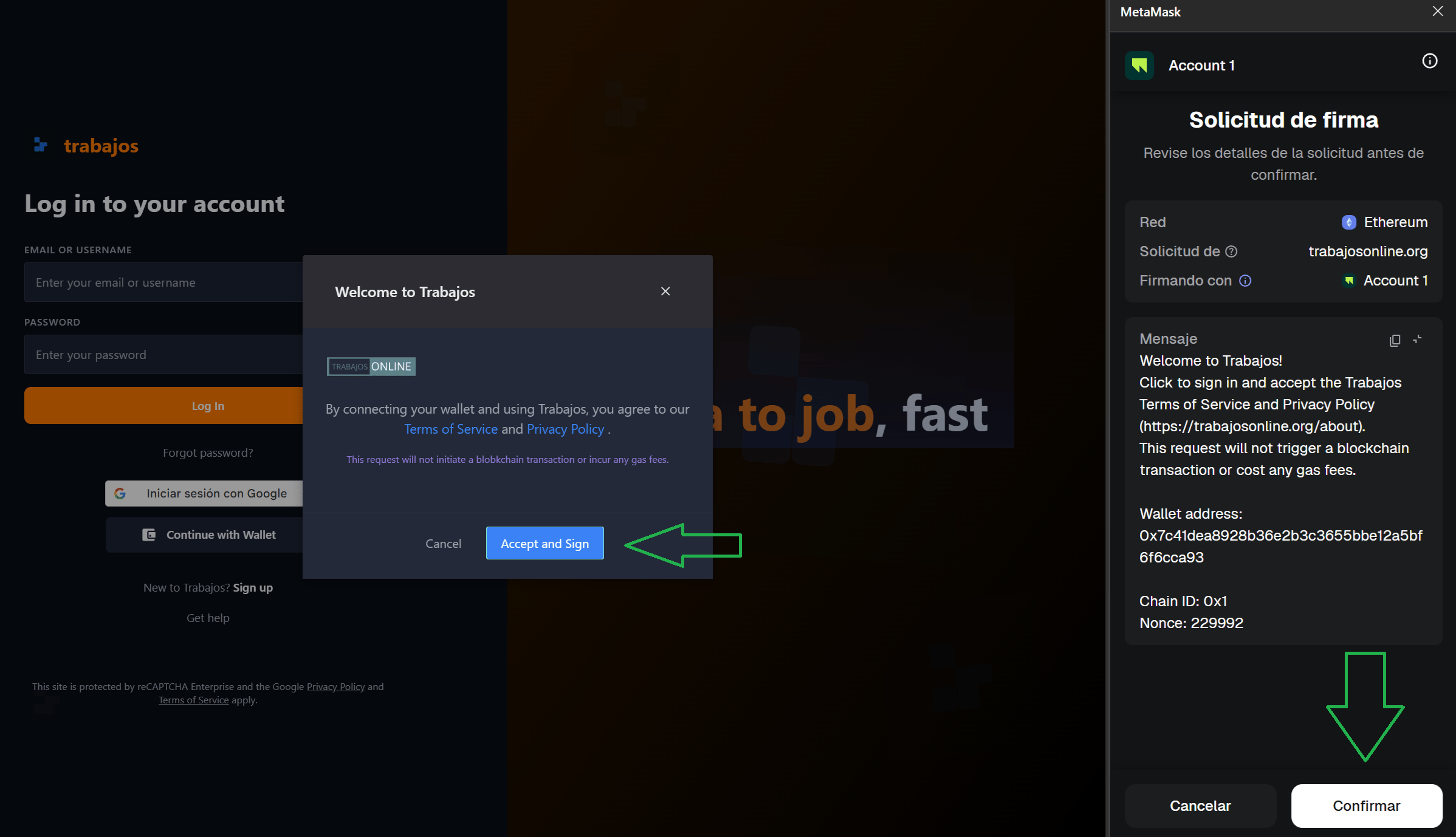
⚠️ This request will not initiate a blockchain transaction, nor will it incur any gas fees.This procedure is quite common and is also used by other cryptocurrency pages like OpenSea 🌊 and Binance ⚖️.
Differences Between Wallet and Email
The fundamental distinction lies in the ability of cryptocurrency wallets to manage payments through decentralized finance (DeFi) platforms. With a crypto wallet 💰, users can receive payments in various cryptocurrencies, taking advantage of the innovation and flexibility provided by DeFi solutions 📈.Registration as a Company
Registration with an Email
To register, please complete the corresponding fields with your email address 📧, username 👤, and password 🔒. In this process, if you are registering as a company, make sure to select the checkbox intended for company accounts 🏢Registration with a Wallet
To be able to register with a wallet, we must have the Metamask extension 🦊 installed on the browser we are using (Mozilla Firefox 🔥, Chrome 🌐, etc.). Check that the extension is active in your browser.💡 Good to Know / Tip - Recommendation
If you do not have a wallet, or want to know what a cryptocurrency wallet is and what you can do with it, visit What is a wallet.
⚠️ This request will not initiate a blockchain transaction, nor will it incur any gas fees.This procedure is quite common and is also used by other cryptocurrency pages like OpenSea 🌊 and Binance ⚖️.