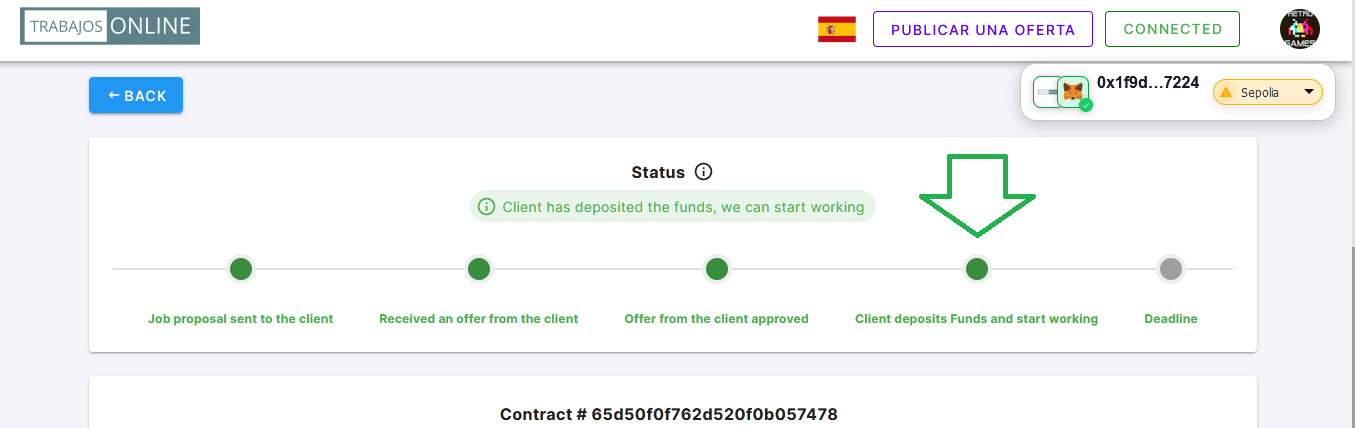
Tracking the Status of Applications 🔍
To monitor the status of your applications on Trabajos Online, you need to log in and go to the top right menu, select “My Proposals”. In this section, by choosing a specific job offer, you can view the current status of your application, which can be in one of the following stages: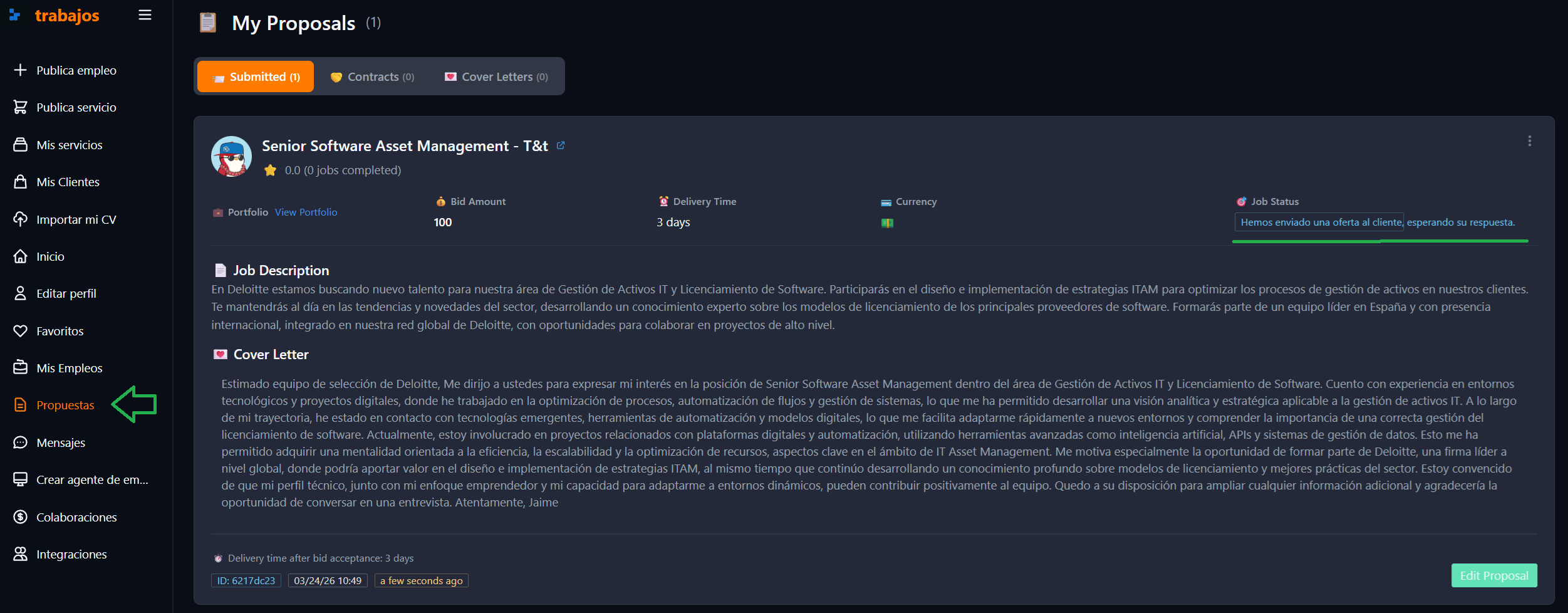
Application States
- Proposal Sent: Your proposal has been sent to the client, who has not yet accepted it. At this stage, if the client is interested, they may open a direct chat to discuss some aspects of your proposal. It’s also possible to review the details of your proposal to ensure everything is correct 📩.

- Proposal Accepted by the Client: The client has accepted your proposal and sends you a final contract proposal for your approval. You can review the proposal in detail by selecting “View Offer” 👀.
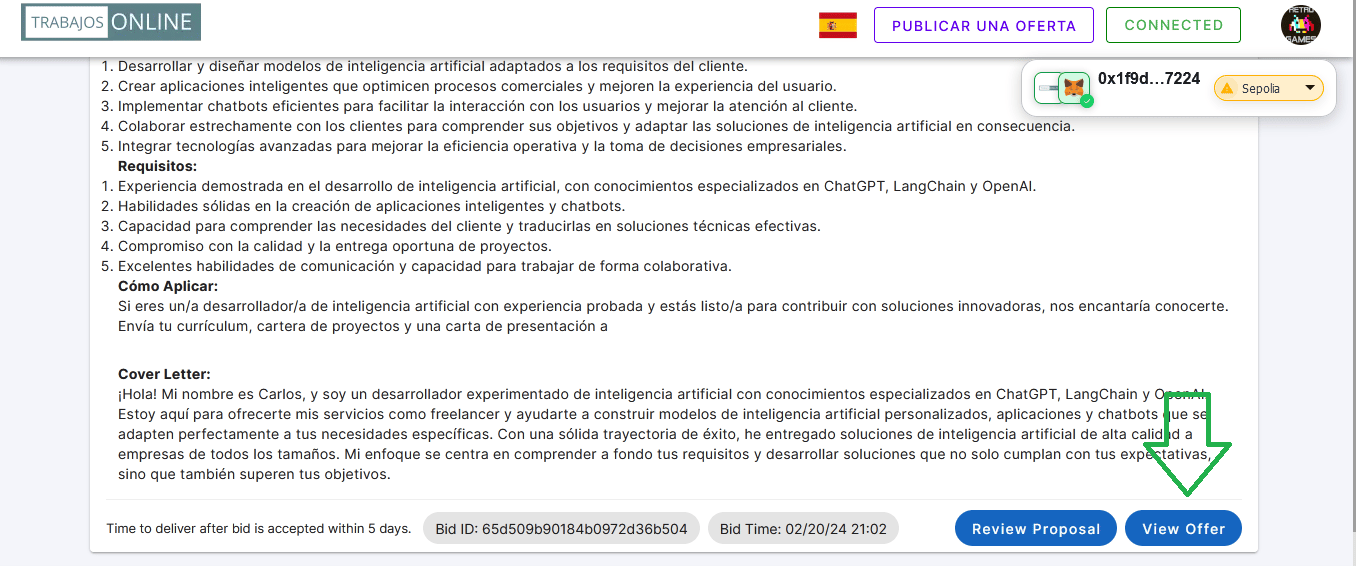
Client’s Offer with Cryptocurrency Payment
Accessing, you can find the client’s offer. At the top, you will find a status bar indicating at what point the contract process is.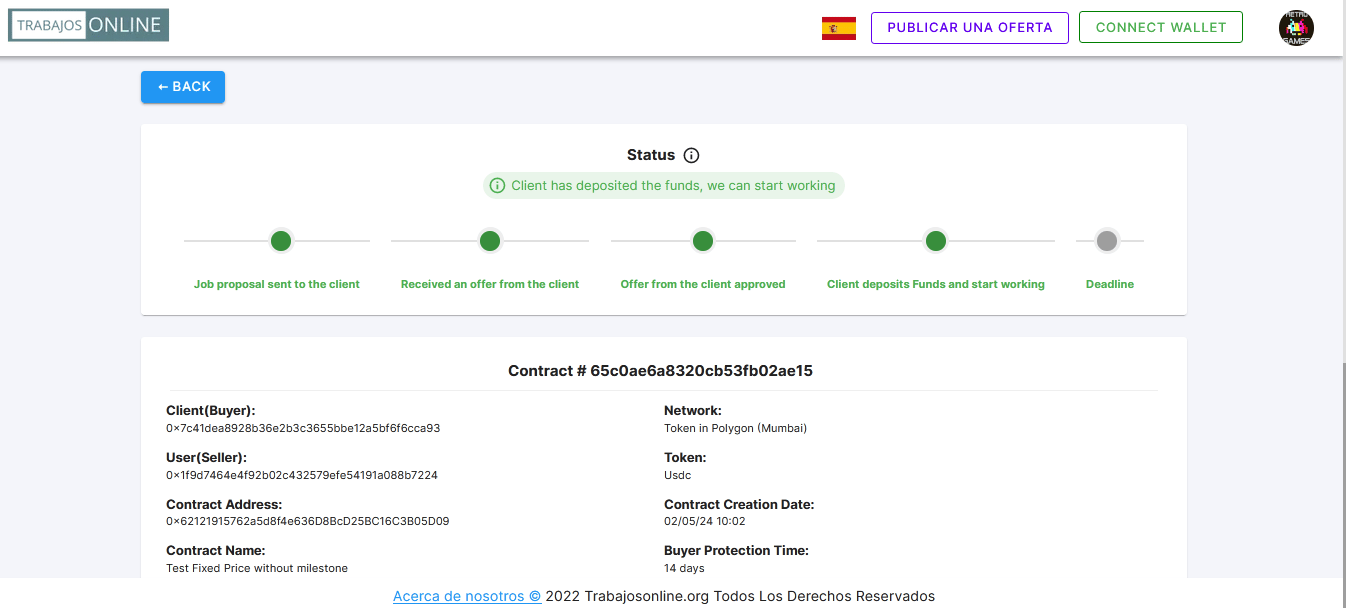
- Proposal Acceptance: Below the above information, a box will open where you can accept the client’s proposal, thus moving to the next step of the process ✅.
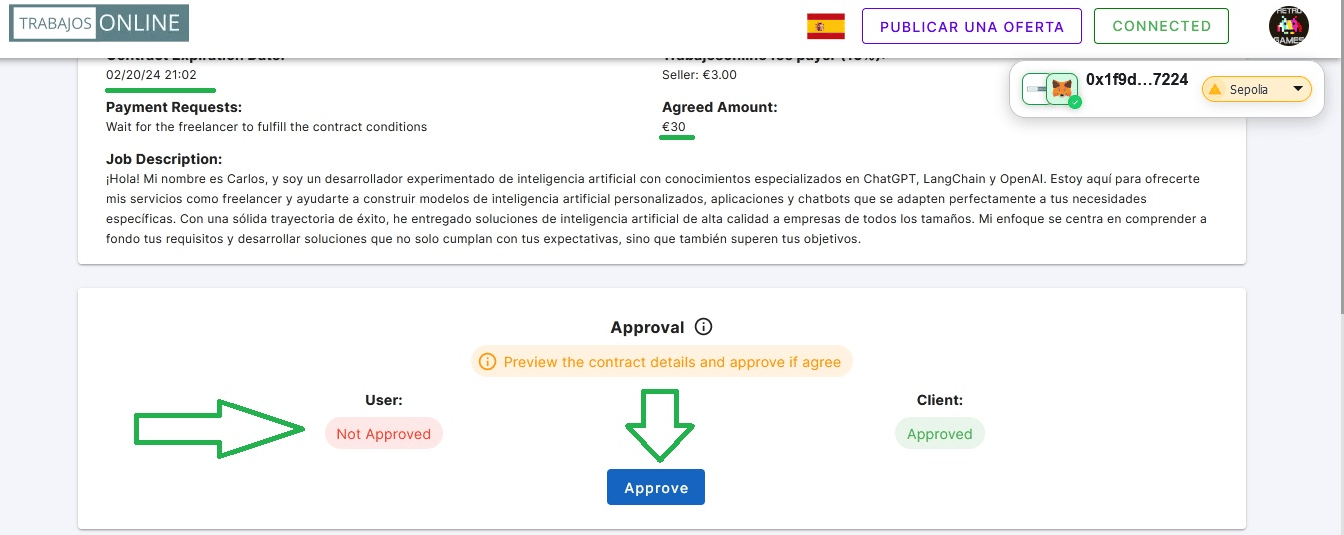
Contract Deployment and Fund Deposit:
In the case of agreements in cryptocurrencies, the client proceeds to deploy the contract and deposit the corresponding funds 💰.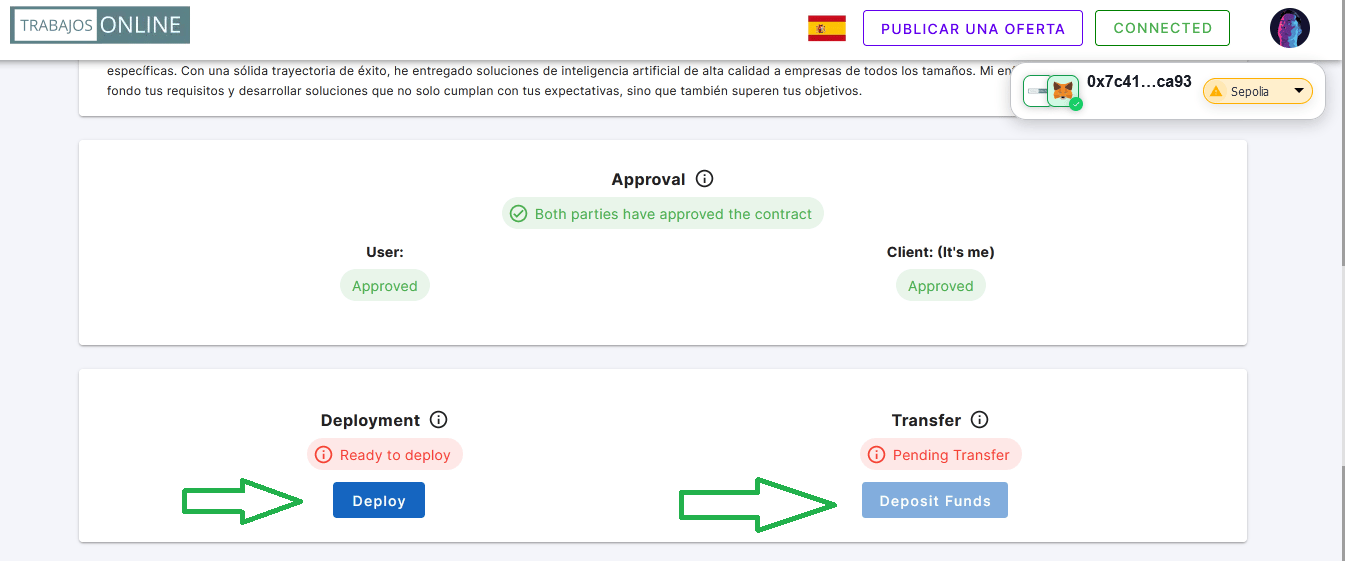
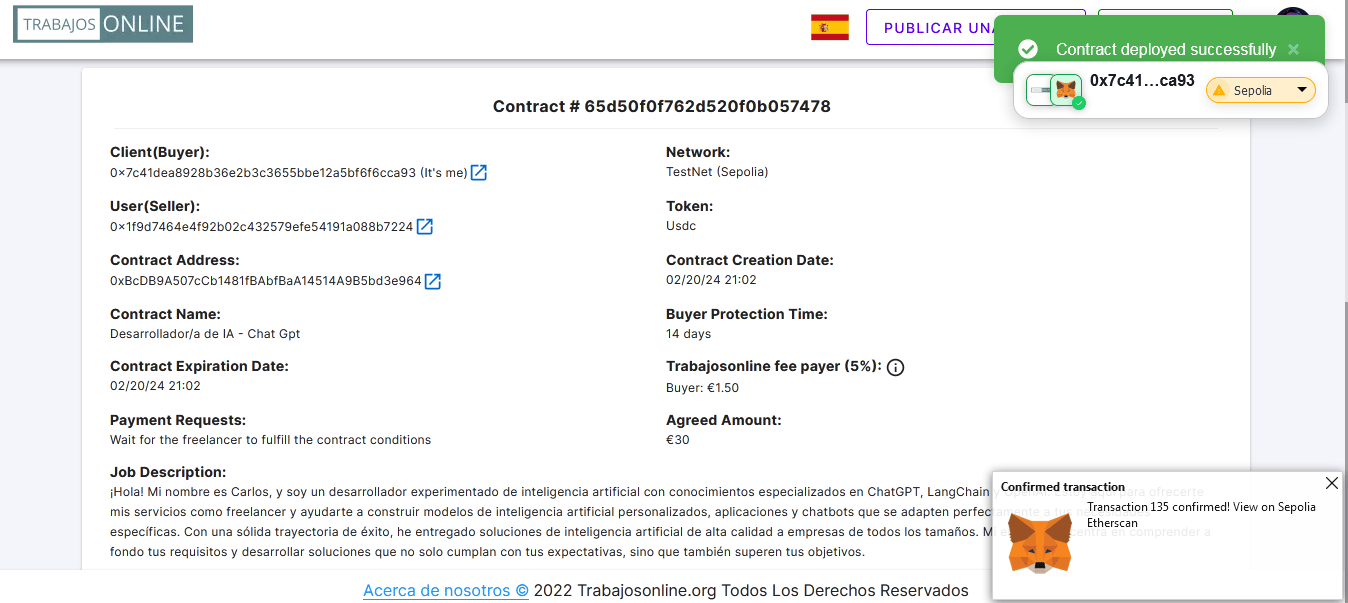
Confirmation of Fund Deposit:
We receive confirmation on the platform that the client has deposited the funds, and we can start working on the project.